
See ArchiTrack in action
Get to know
your next workspace.
Start with AI project setup, then follow planning, payments, and procurement through the workspace. Use AI companions and connected assistants as the work progresses.
01 / Plan & deliver
From project setup to delivery.
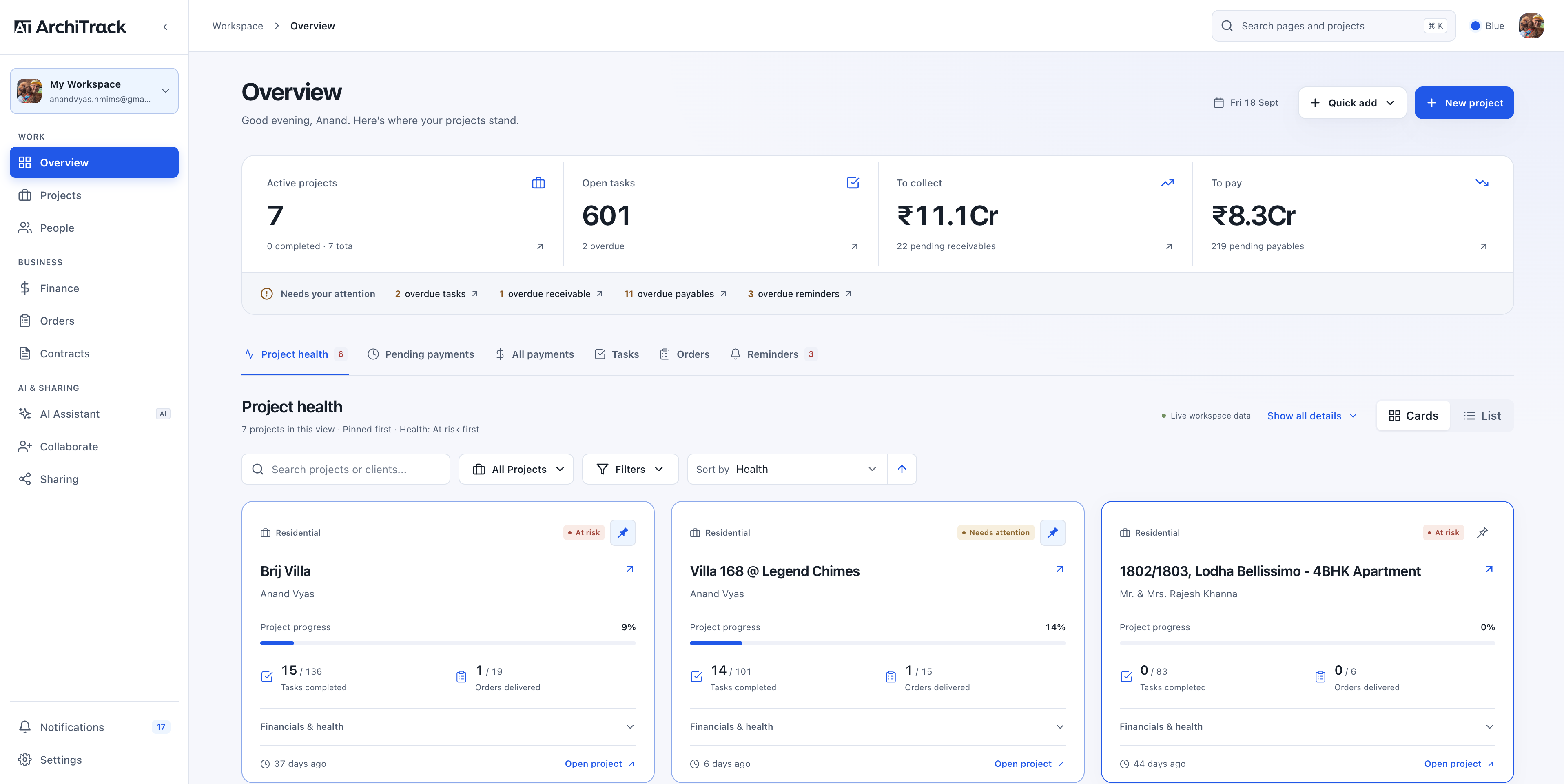
Your studio at a glanceSee project health, progress, and the payments that need your attention.
Workspace overview · Click to explore02 / Manage the numbers
Follow finances and orders.
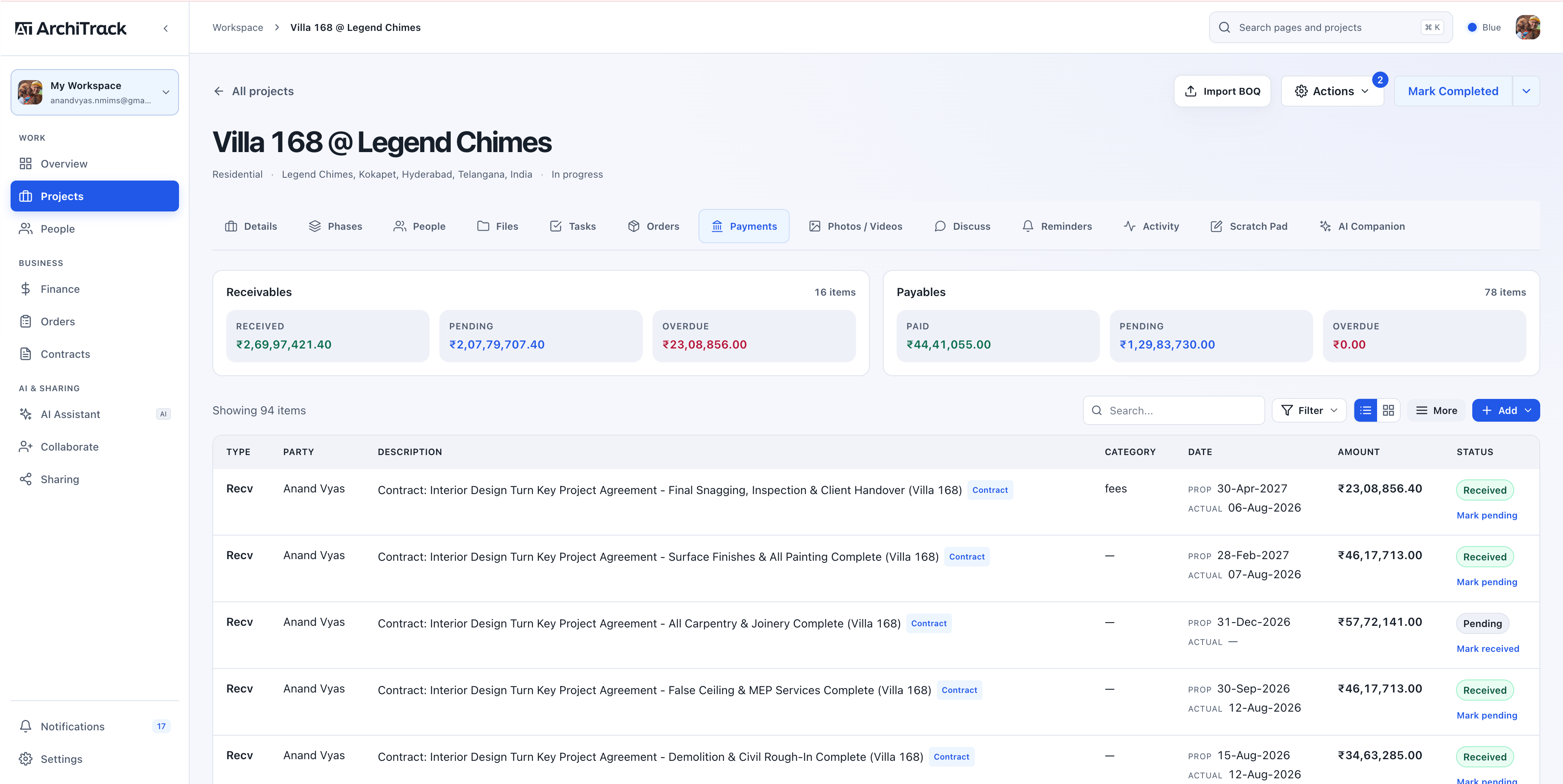
Payments in focusKeep client collections and vendor payments connected to the project.
Project payments · Click to explore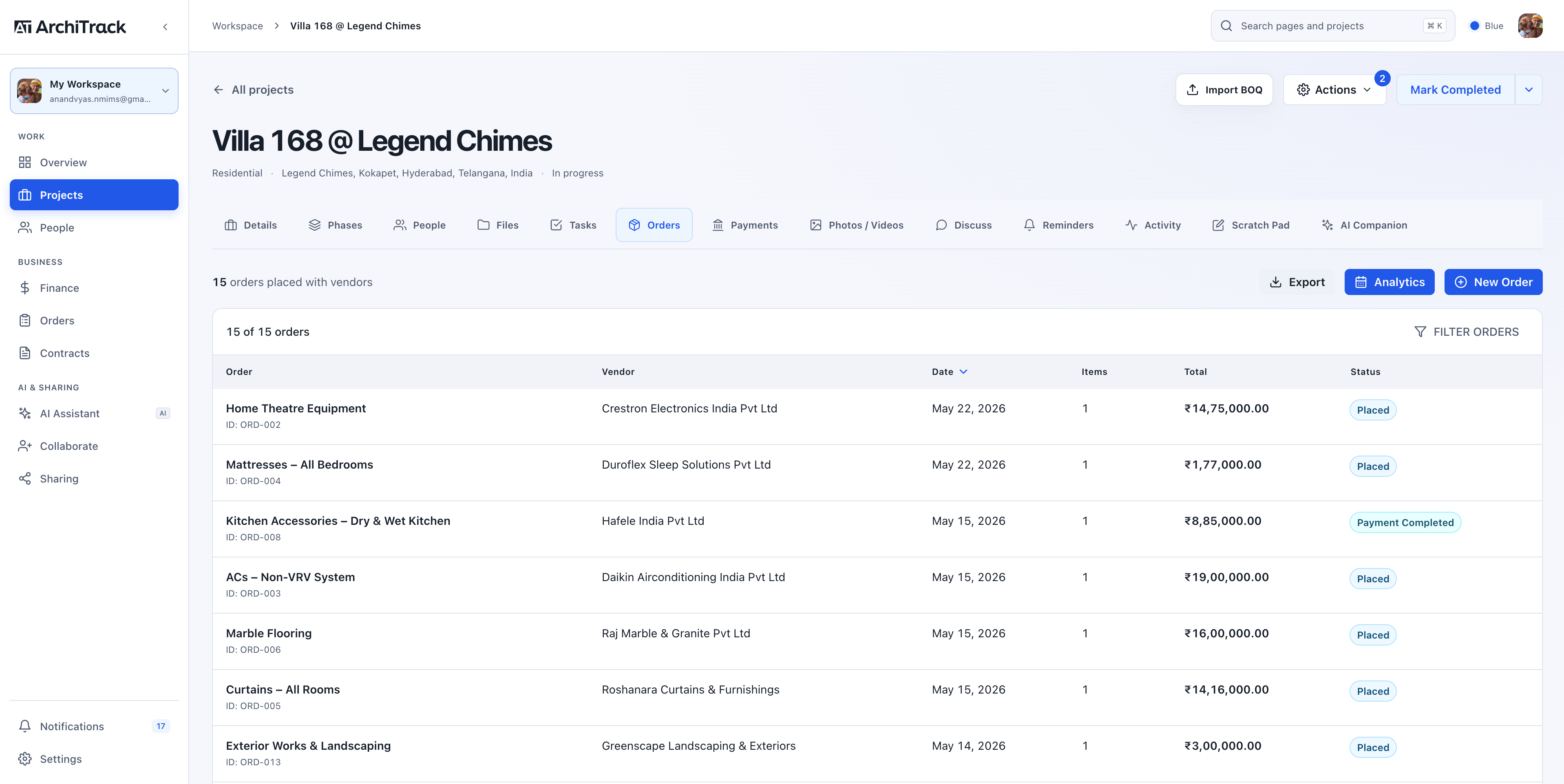
A clearer view of procurementFollow project orders from the first purchase to the final delivery.
Orders & procurement · Click to explore03 / From BOQ to delivery
Your BOQ, organised by AI.
Import a BOQ or generate an AI template from your brief. Ask the workspace assistant for studio-wide answers, use the project companion to make updates, or connect Claude, ChatGPT, and compatible Gemini tools.
Explore all five AI capabilitiesYour studio at a glanceSee project health, progress, and the payments that need your attention.
Workspace overview · Click to exploreFrom desk to site
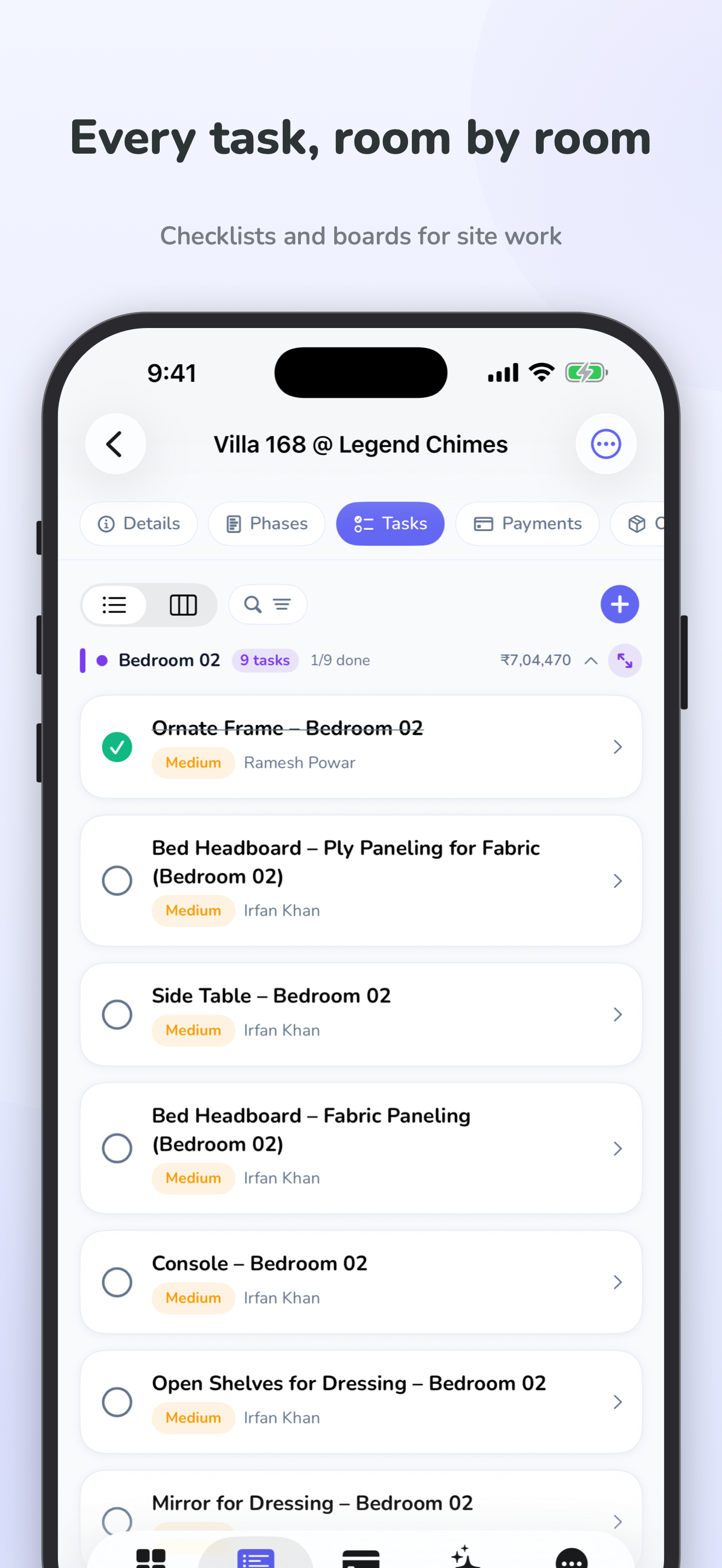
Same projects.
A little more freedom.
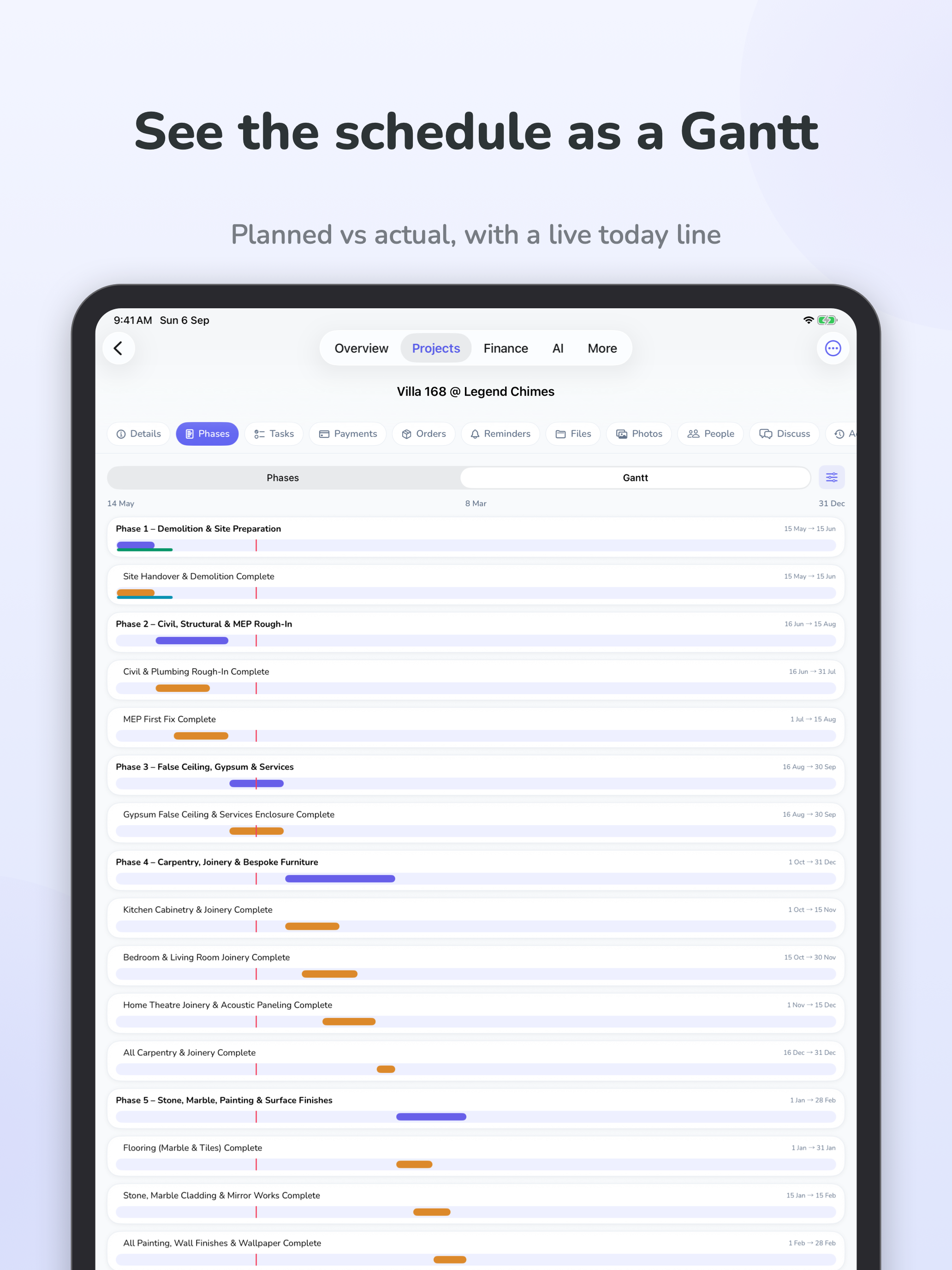
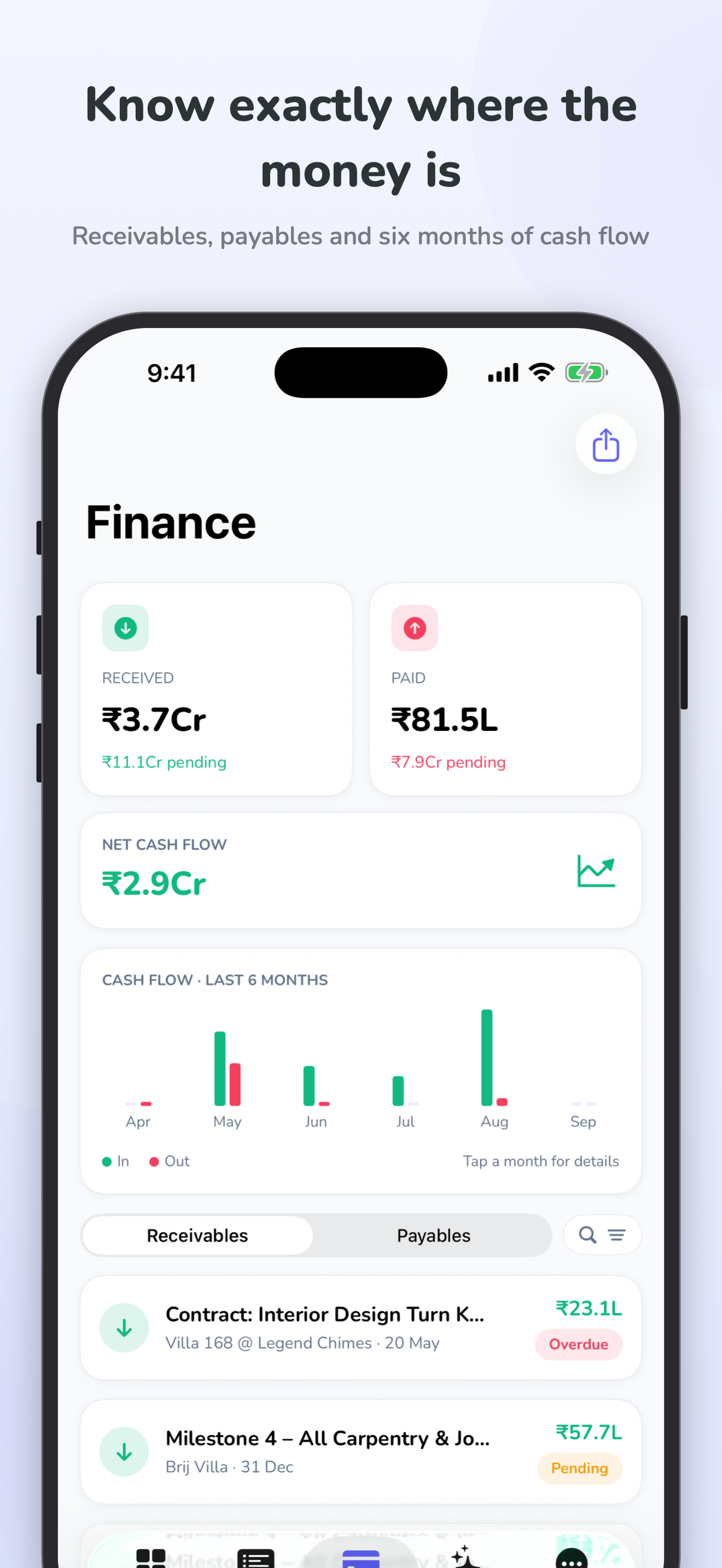
See the iPhone and iPad experience with these actual app screens.
Your first project
Bring your process.
We’ll show you around.
A 30-minute guided demo is a chance to explore your use case, ask questions, and choose your next step.
Your next project deserves
a clearer way forward.
See how your projects, people, and finances come together in ArchiTrack.