AI BOQ import
Turn a BOQ into a structured project with phases, tasks, orders, vendors, and payment records to review and import.
Explore this AI feature
AI project setup, studio-wide answers, and project actions. Connected with planning, finances, and client coordination in one workspace.
Turn a BOQ into a structured project with phases, tasks, orders, vendors, and payment records to review and import.
Explore this AI featureDescribe your project and generate a detailed starting plan with phases, milestones, tasks, orders, payments, and reminders.
Explore this AI featureAsk questions across your projects and finances. Get studio-wide answers from the workspace data sources you enable.
Explore this AI featureCreate tasks, update project details, manage orders, and record payments directly through a project conversation.
Explore this AI featureRead and manage project records from Claude, eligible ChatGPT setups, and compatible Gemini tools through a custom connection.
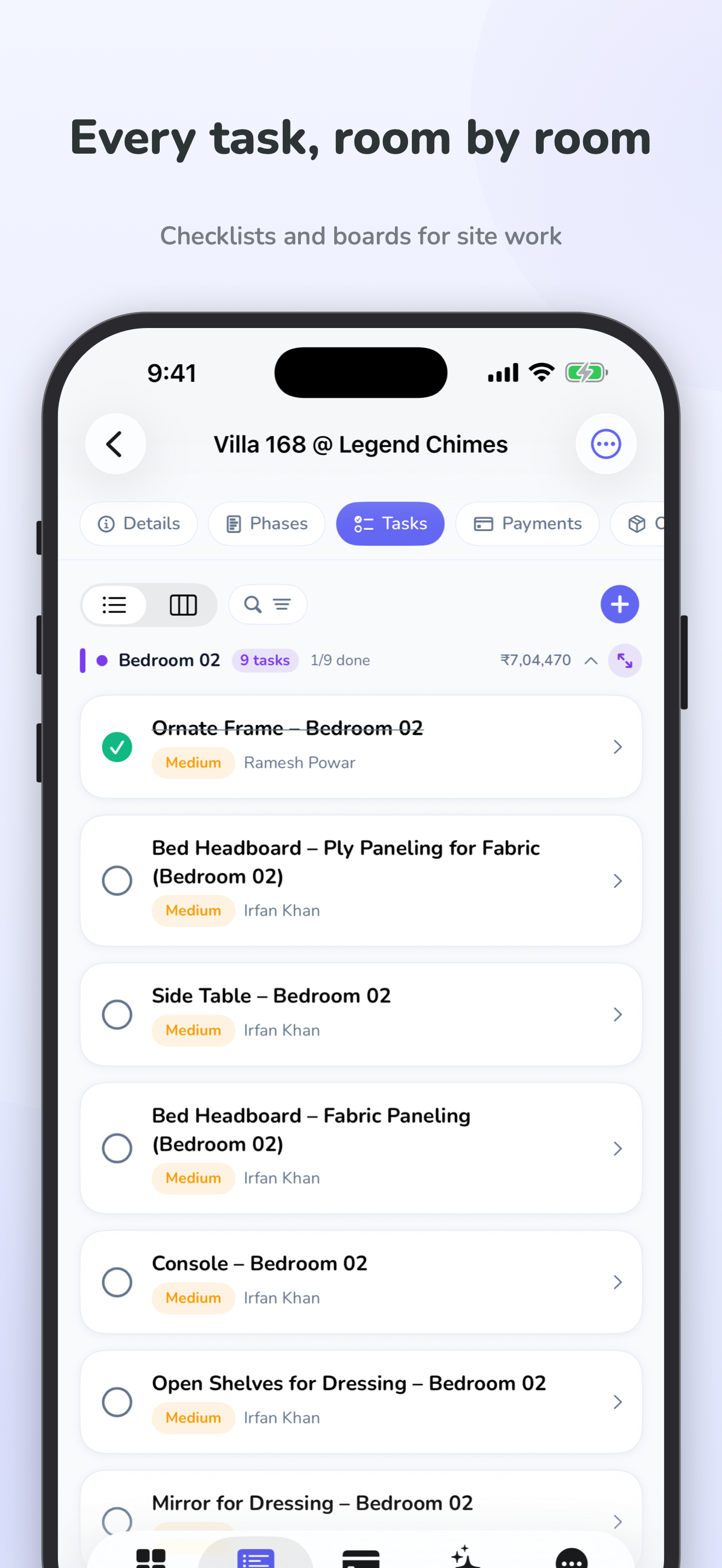
Explore this AI featureGive each project a clear structure with custom phases, milestones, tasks, owners, and deadlines.
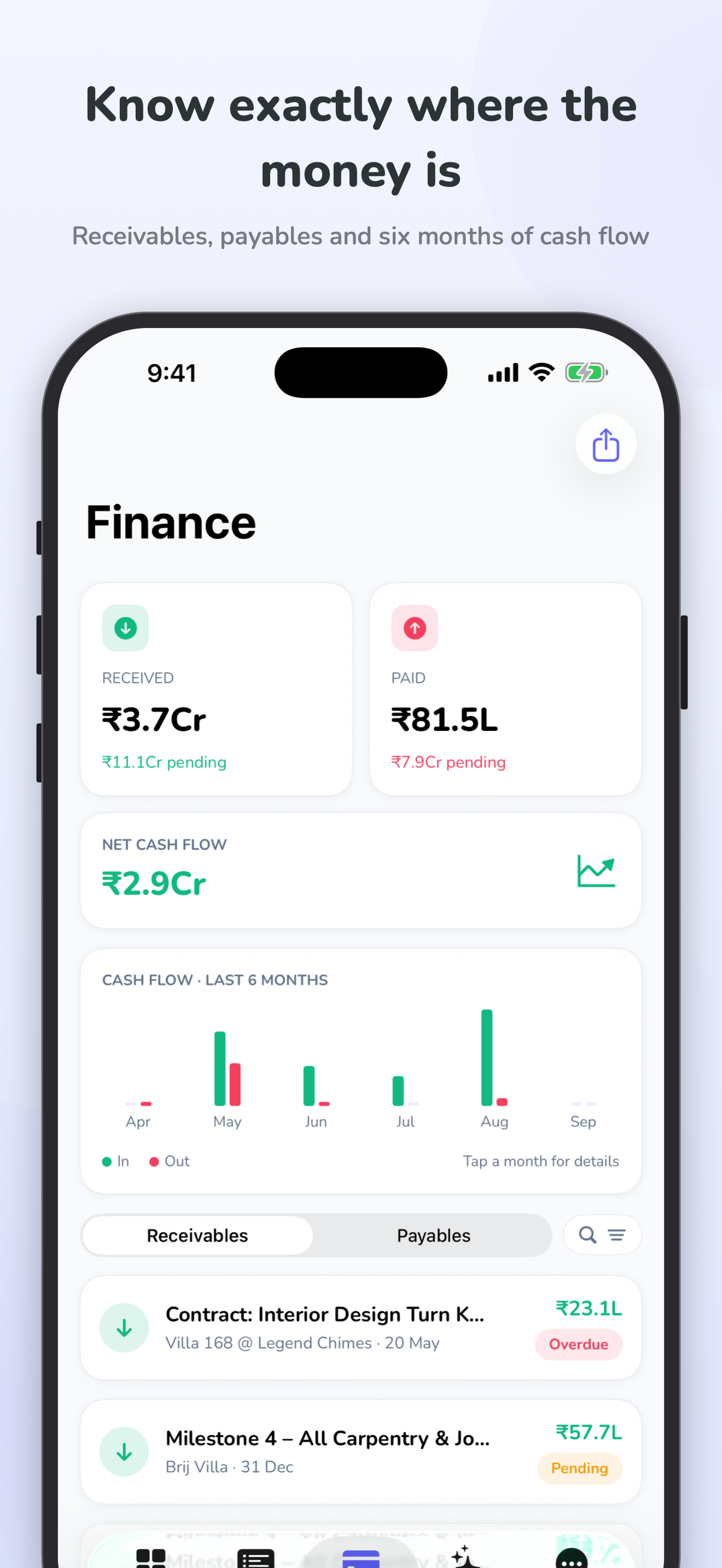
Track receivables, payables, GST breakdowns, and profitability, by project and across your workspace.
Connect material orders to vendors, projects, and payments so your team can follow the details.
Prepare agreements, collect e-signatures, and keep contract records alongside the project.
Share a project view with the access you choose. Keep the right people informed.
Keep files, photos, comments, reminders, and activity history together with the work they relate to.
Prepare PDF project reports and Excel exports to share progress and financial information.
Explore how orders, payments, and project finances fit together.
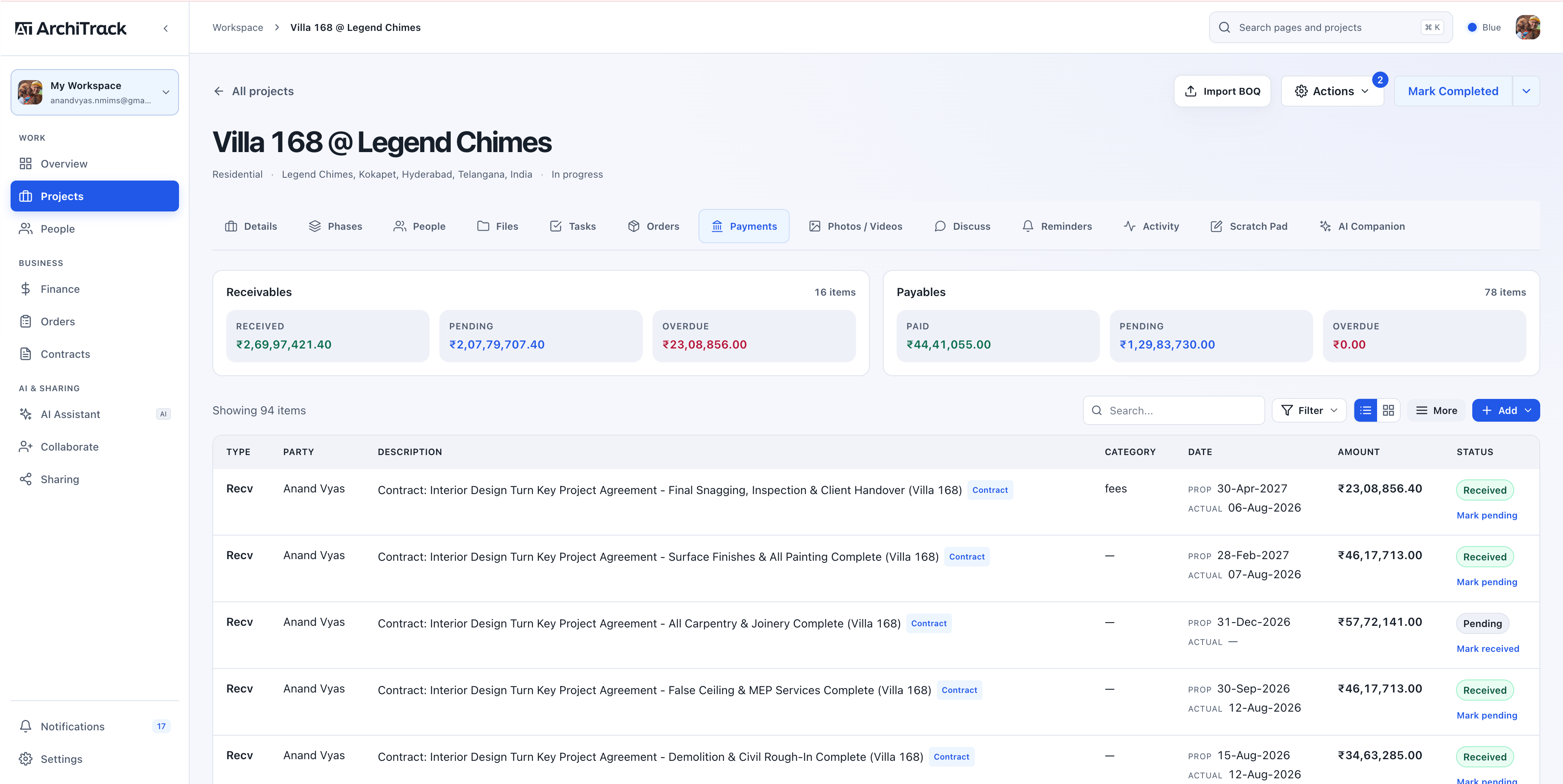
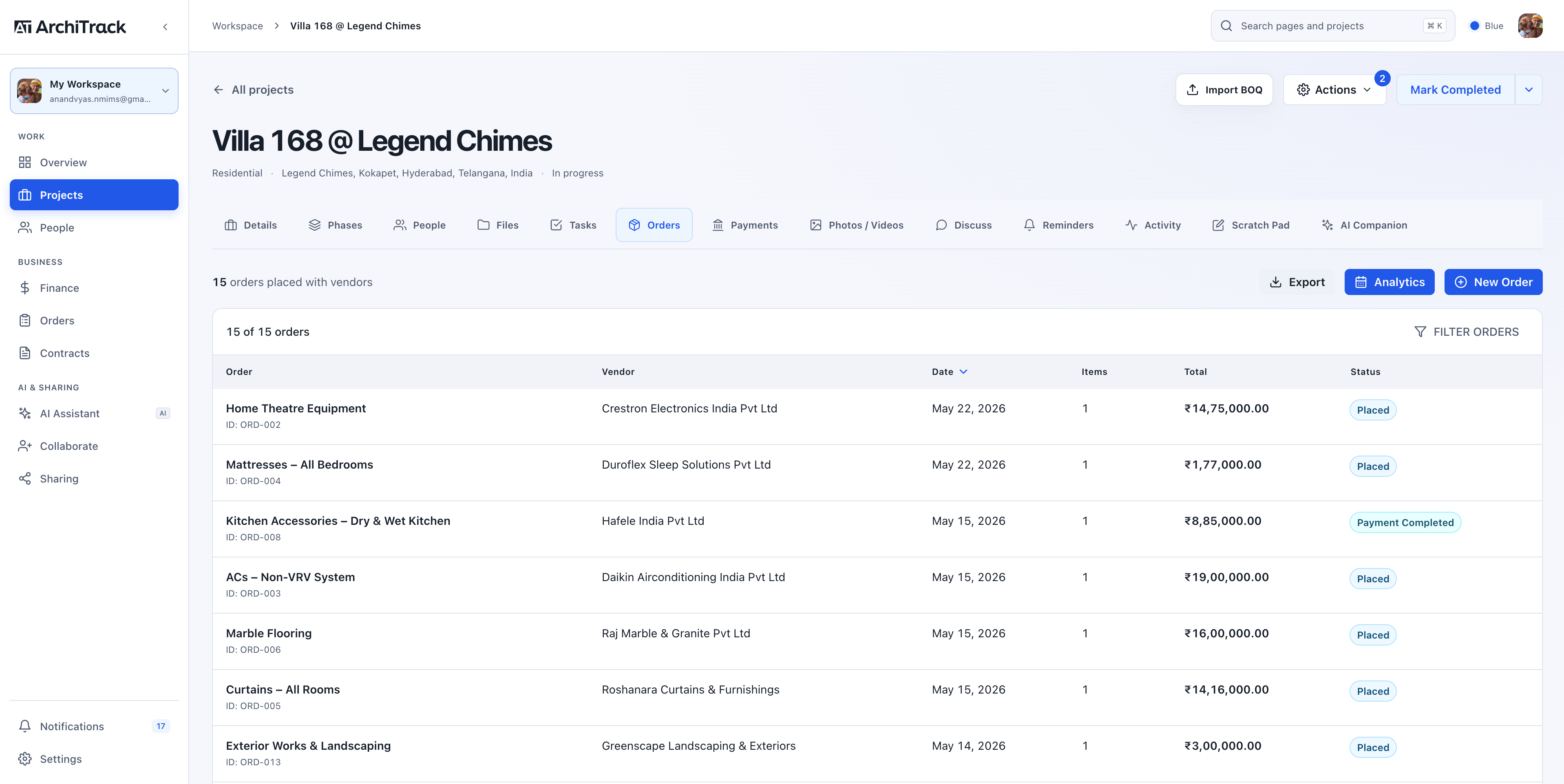
Check a task during a site visit. Review payments between meetings. Keep your project context close on iPhone and iPad, then pick up on the web when you’re back at your desk.
Choosing a workspace is a studio decision. We’re here to help you find the right fit.
Talk to our teamArchiTrack is project management software for architects, interior designers, and design-and-build teams. It brings project delivery, finances, orders, contracts, and client coordination into one workspace.
Yes. Import a BOQ in Excel, PDF, Word, or CSV format. AI helps organise it into tasks, orders, phases, and payment records. Review the proposed information before adding it to your project.
Yes. Client and vendor portals let you share a project view with the access you choose. You can also export PDF reports for project updates.
India plans start at ₹4,999 per month plus 18% GST for Studio. Pro is ₹8,999 and Scale is ₹19,999 per month, plus GST. Compare the plans and included limits.
Yes. Explore the product screenshots, or book a 30-minute demo to discuss your studio’s workflow.
See how your projects, people, and finances come together in ArchiTrack.